
Using the Wholesale Order Form
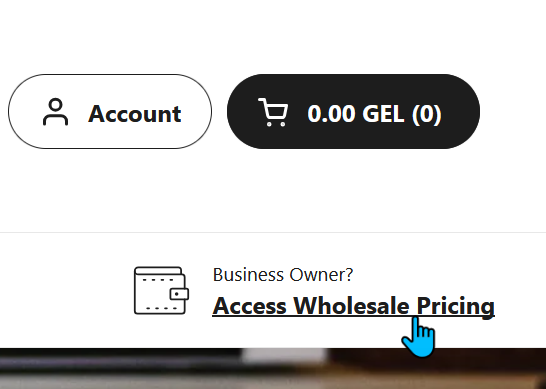
1. To get wholesale prices, make sure you always order via our wholesale order form, which you can access by clicking the "Access Wholesale Pricing" button in the menu.
Make sure you are logged in with your wholesale-enabled account, otherwise this button will not take you to the form.
2. The wholesale order form looks like this picture. You should always use this form when ordering wholesale, since we cannot guarantee that the correct discounts will be applied if you order via the retail customer version of the shop.

3. When checking your cart, please make sure that it says "Wholesale cart", and that any items with a wholesale discount have both a wholesale price and a retail price displayed. Not all items come with a discount, but if you are ordering via the form, you should be able to see that most items have both a wholesale and a retail price.

4. When checking out, make sure that any items that should have a wholesale discount are displayed with the discount tag.
